Is Manok Na Pula Mod APK Safe? Scans, Permissions, Ban Risk
No antivirus engine flags Manok Na Pula Mod APK v8.3, but Google Play Protect stops the install with a “Harmful app blocked” warning, and the file carries a component built to relay internet traffic through the phone. “Safe” is four questions, and they have four different answers.
Does it carry known malware?
No: Microsoft Defender reports no threats, and 0 of 66 VirusTotal engines flag it
What does Play Protect say?
“Harmful app blocked”: the signing key does not match the official game’s
What does it do on the network?
It contains a traffic-relay component and an advertising stack
What can it read on the phone?
11 permissions; none for contacts, SMS, location, camera or microphone
Can it cost you an account?
Yes, in online play: version 8.1 added a ban on cheaters
What Does “Safe” Mean for a Modded APK?
It means four things, and a clean scan answers only the first.
File safety
Whether the APK carries known malware. A virus scan measures this.
Network behaviour
What the app sends and receives once it runs. A scan of the file does not measure this.
Data access
Which permissions the app holds and what they allow.
Account safety
Whether playing on a modified build can get the game account banned.
Making a mod means unpacking the game’s package, changing it, and signing the result with a different key. That re-signing is why Android treats the mod as a different app from the official one, and why every scanner looks at it more closely.
What Do the Virus Scans Say?
Microsoft Defender reports no threats for this file, in a scan dated 2026-10-08. On VirusTotal, 0 of 66 security vendors flag the same file (VirusTotal report). A clean result means no known malware signature matched; it is a statement about the file’s contents, not about what the app does once it runs.
SHA-256: d33050254ca017b2b046fbfeed877ca0a7c244d618dda382f1585005818bcec2
The SHA-256 hash is a fingerprint of every byte in the file. A download with the same hash is the scanned file; a download with any other hash is a different file, whatever its name says.
Why Does Play Protect Show “Harmful App Blocked”?
Play Protect blocks this file because it carries the official game’s package name, com.tatay.manokNaPula, but is signed with a key that is not TATAY GAMES’. Play Protect knows which key the real Manok Na Pula is signed with; an app with the same name and a different key is one it cannot match to the developer’s signature, so it blocks the install.
On Android 16, the install stopped at this screen:
|
Part of the dialog |
What it shows |
|---|---|
|
Title |
Harmful app blocked |
|
Reason |
Play Protect says it cannot verify the app. |
|
Warning |
Installing this app may put your device at risk. |
|
Choices |
“Install anyway” (small grey text) and “OK” (blue button, cancels) |
Every modified copy of the game fails the same key check, so the block is expected for a mod. It is a different test from a virus scan: Defender checks the file against known malware; Play Protect checks who signed it and what the app is built to do. A clean scan does not cancel the block, and the block is not a malware name.
What Does the App Do on Your Network?
The file contains three network components on top of the game itself:
What this means in practice: the phone’s mobile data or Wi-Fi can carry traffic that is not yours, and the battery and data plan pay for it. Data usage shows whether it is running on a given phone: open Settings → Apps → Manok Na Pula → Mobile data & Wi-Fi, leave the game closed for a few hours, and check the background figure. A game that is closed has no reason to use background data.
The ad stack stays in the build as well: Google Mobile Ads and Unity Ads are declared in the manifest, and ads play when a chicken is unlocked.
Which Permissions Does It Ask For?
The manifest requests 11 permissions:
|
Permission |
What it allows |
|---|---|
|
INTERNET |
Network access |
|
ACCESS_NETWORK_STATE |
See whether the phone is online |
|
WAKE_LOCK |
Keep the processor awake while the screen is off |
|
FOREGROUND_SERVICE |
Run a service that keeps working outside the game screen |
|
POST_NOTIFICATIONS |
Show notifications |
|
VIBRATE |
Use the vibration motor |
|
BILLING (Google Play) |
Open in-app purchases |
|
AD_ID (Google Play services) |
Read the advertising ID |
|
ACCESS_ADSERVICES_AD_ID |
Advertising ID through Android’s ad services |
|
ACCESS_ADSERVICES_ATTRIBUTION |
Ad attribution |
|
ACCESS_ADSERVICES_TOPICS |
Interest topics for ad targeting |
No permission covers contacts, SMS, call logs, location, camera, microphone or files. The two that matter most next to the relay component are WAKE_LOCK and FOREGROUND_SERVICE, because together they let work continue while the game is not on screen.
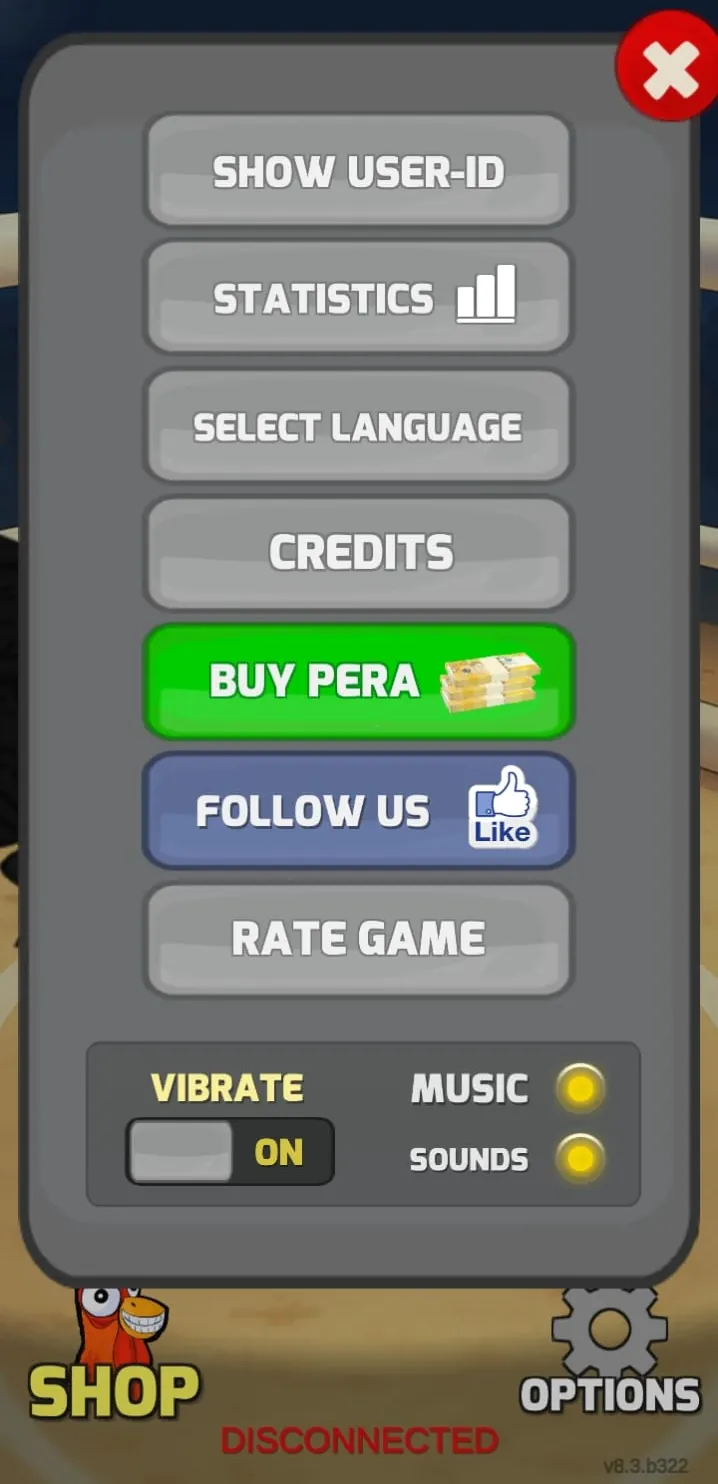
BILLING is the one to watch with money: the Options screen still has a Buy Pera button. Buying with a real payment method inside a modified build puts the purchase on an app the store does not recognise; keep payments to the official game.
Why Do Antivirus Engines Sometimes Flag Mods?
Heuristic engines score structure rather than match a known signature, and every mod trips three of their patterns by construction: a signing key that does not match the developer’s, altered internal files, and code that is often obfuscated to stop other modders copying it. A generic label from one or two engines (“Agent”, “Heur”, “PUP”) is the expected result for a repackaged app. A named malware family reported by several unrelated engines is a different and serious signal. A component like the traffic relay above can pass every engine, because relaying traffic is not a malware signature.
Mod, Cheat or Crack: What Is the Difference?
The three words describe different changes:
|
Term |
What it means |
This build |
|---|---|---|
|
Mod |
Any app unpacked, changed and re-signed by someone other than the developer |
Yes |
|
Cheat |
A gameplay advantage built into a mod: currencies, levels, damage |
Yes: 1,342,177,279 Pera and 16,777,215 Dragon Eye from the first launch |
|
Crack |
A mod that removes a licence check or paywall |
No: the official game is free |
The build is a cheat-type mod of a free game. It adds things to the game; it also adds the network components above, which have nothing to do with the game.
Will Your Account Get Banned?
The risk sits in online play and rises with how closely a mode is checked. Version 8.1 of the official game added a ban on cheaters, and a ban is the one outcome here you cannot reverse yourself: the account, its purchases and its progress stay with the developer’s decision.
|
Mode |
What the server sees |
Risk |
|---|---|---|
|
Campaign and offline fights |
Nothing: the fight runs on the phone, and the menu shows “DISCONNECTED” |
Low |
|
Online multiplayer |
Match results, logged by the game’s servers |
Moderate |
|
Tournament |
Match state and stats, checked on the server |
Highest |
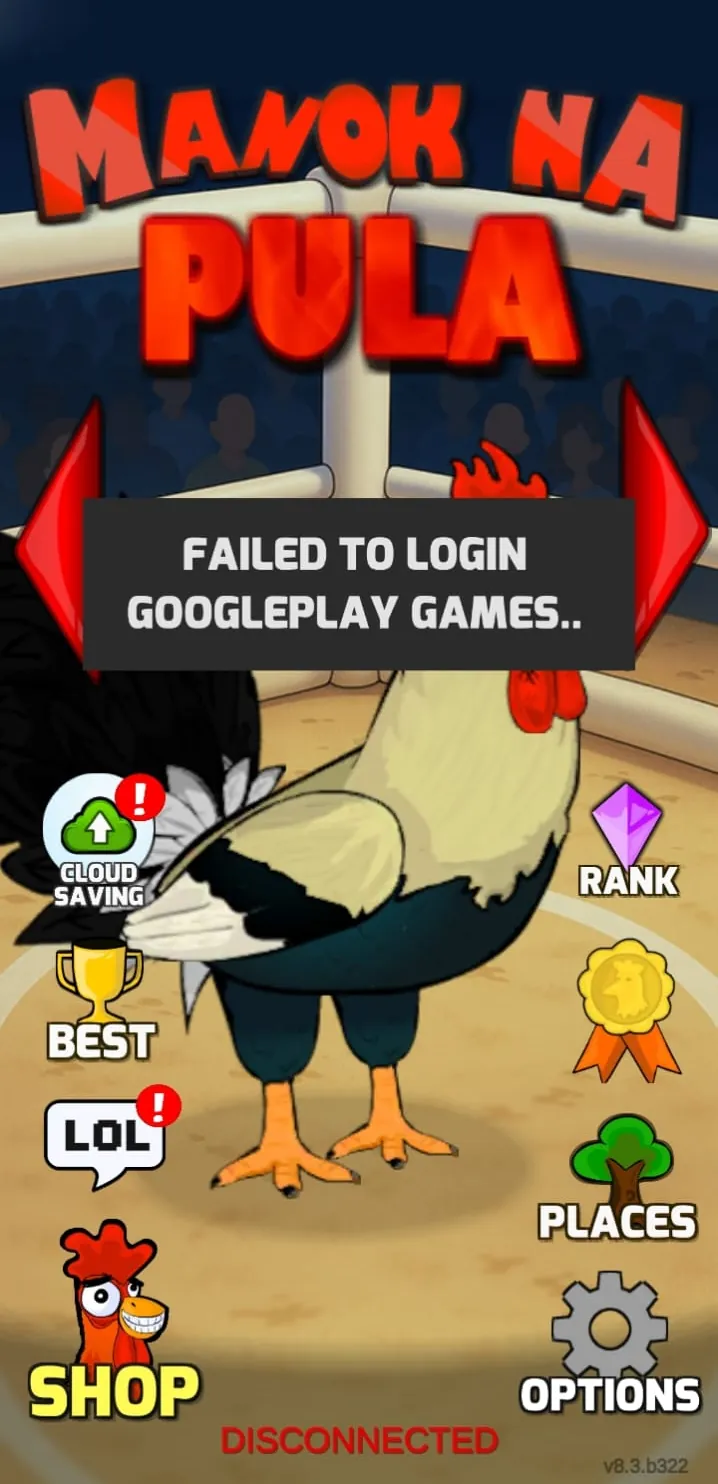
The build also cannot sign in to Google Play Games (“Failed to login Google Play Games” on the test phone), so a Google account you care about is never needed to play it. Keep it that way, and keep online matches to a secondary account.
How Do You Lower the Risk?
Six habits cover the four questions:
Install on a spare phone with no banking apps, photos or personal accounts on it.
Match the download’s SHA-256 against the hash above before opening it.
Do not sign in with your main Google or Google Play Games account.
Do not buy Pera or anything else with real money inside the modified build.
Check background data usage after a few hours with the game closed.
Uninstall when you are done, and keep online and Tournament play to a secondary account.
The install steps, the Play Protect screen and what happens to your save are in the step-by-step install guide. The file itself is on the Manok Na Pula Mod v8.3 download page.